
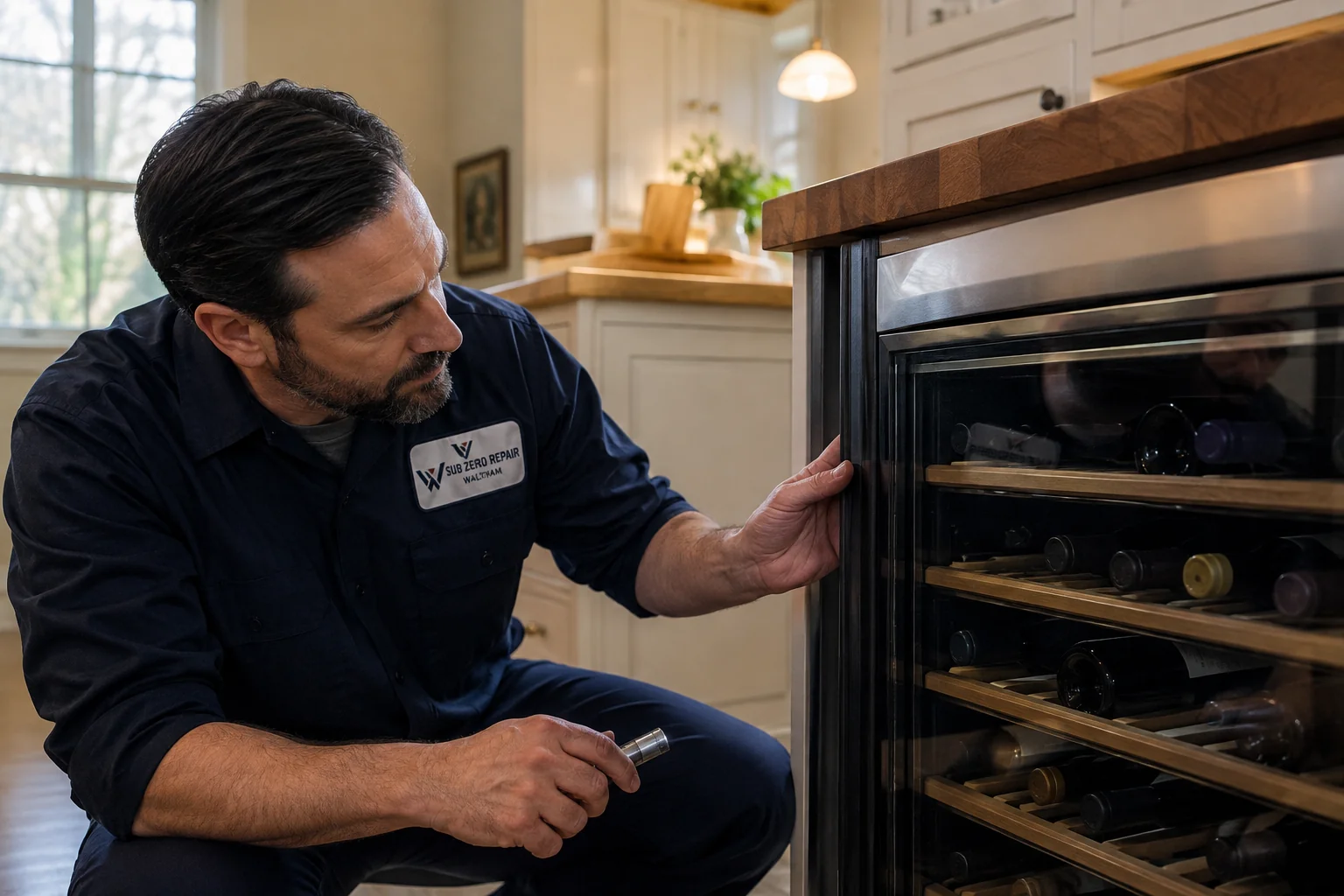
Symptoms and service
What’s changed with your wine cooler?
Wine storage and beverage-center installations can look alike but have different intended ranges and features. Tell us the model and whether the unit is under a counter or part of a taller built-in arrangement. We use its own operating guidance rather than assuming it should behave like the main food refrigerator.
The contents seem warmer than usual
Note the selected temperature and whether the change is gradual or sudden. If the model has more than one controlled section, describe each separately. Recent loading and door-opening history are useful context for the temperature checks.
The door glass or surrounding finish is wet
Identify which surface is affected and whether the door appears to close normally. Moisture inside the unit, exterior condensation and water underneath are not identical symptoms. A photo before cleanup can show the technician the original pattern.
A rattle or vibration has appeared
Record when it occurs and whether bottles touch each other during ordinary loading. The appliance’s installation, shelving and operating components all warrant consideration. Do not remove the unit from under the counter in an effort to isolate the noise.
What we check.
We compare the temperature with the selected setting, check ventilation and door sealing, and test controls or cooling components as needed. For noise, we also look for rack, bottle or cabinet contact. The checks follow the wine storage model you own.
Getting ready for service.
Leave access to the controls and room to open the door. Mention recent cabinet work or changes around the ventilation area. If the appliance cannot maintain appropriate storage for your collection, make alternative arrangements while the visit is scheduled. Keep decorative panels and internal covers in place.
Tell us how your wine storage is set up.
- Note whether the cabinet has one temperature zone or more than one.
- Describe an undercounter installation, a tall cabinet or a separate freestanding unit.
- Record the usual setting and what has changed in each affected zone.
For the controls and care instructions specific to your model, consult Monogram owner support .