Symptoms and service
What’s changed with your oven?
The details matter in a double oven or combination installation. Tell us which cavity and mode are involved, and whether the other oven continues to work normally. Model-specific controls and heating arrangements determine the tests used during the visit.
The oven does not begin heating
Record whether the controls light up and whether the problem occurs in every mode you normally use. Include any power interruption or cleaning cycle before the failure. Avoid repeated attempts if there is an unusual smell, visible damage or a tripping breaker.
Food is unevenly cooked
Use a familiar example to explain the change: the same pan, rack position and recipe behaving differently can be valuable information. An isolated cooking result is not enough to identify a sensor or element; the technician considers the whole heating pattern.
The door does not meet the frame properly
Describe a gap, a door that falls or a change in the closing action. Do not try to bend hinges or force the latch. The door assembly and surrounding installation should be inspected before adjustments are made.
What we check.
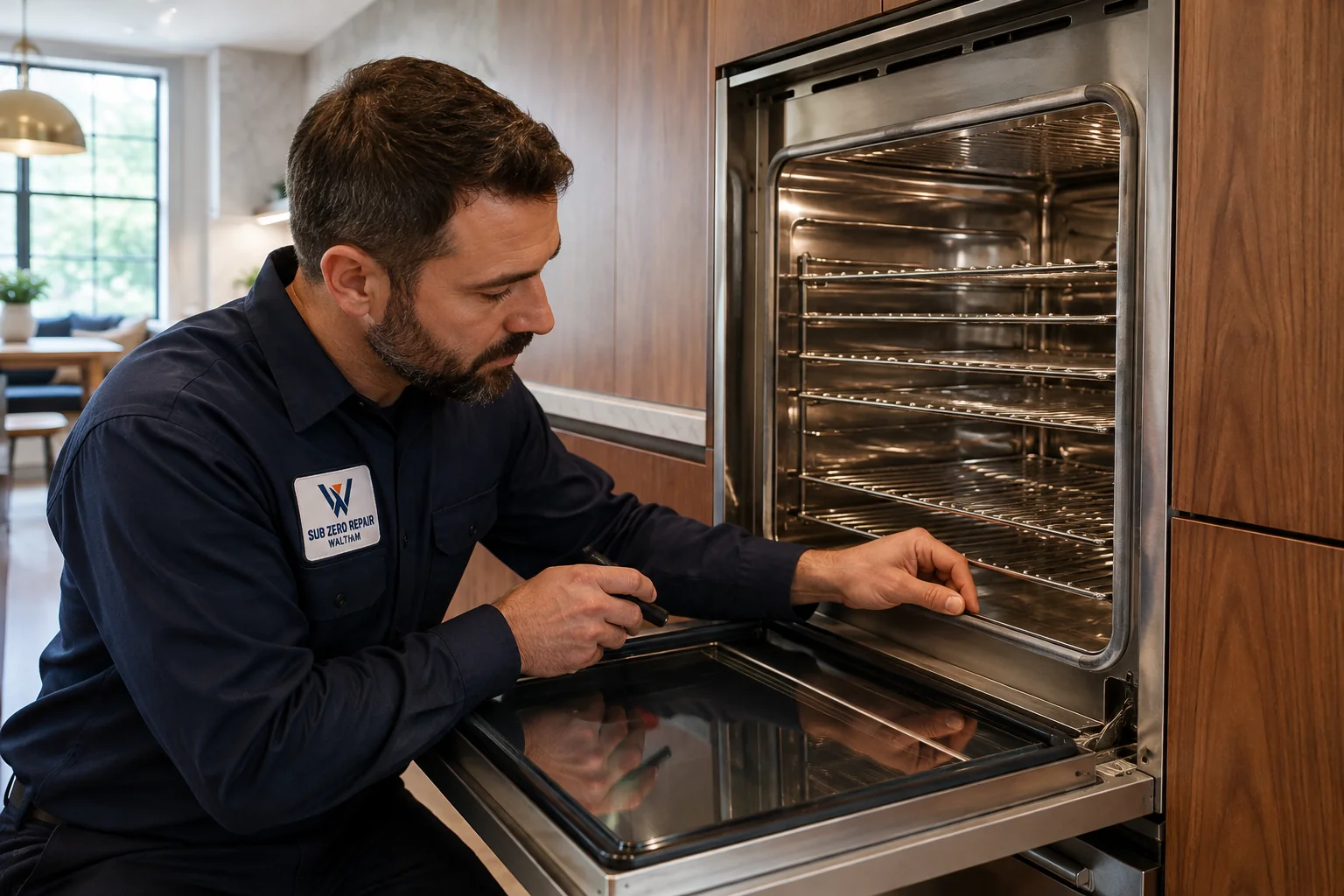
We check heating response in the reported mode, along with temperature sensing, fans and controls when needed. For a double oven, the technician checks the affected cavity and whether the fault involves anything shared with the other oven.
Getting ready for service.
Let the oven cool fully, remove loose cookware and clear the working area. Have a note of the modes involved and any displayed message. Leave the appliance secured in its cabinet; removing a wall oven can require planning for its weight, electrical connection and finished surfaces.
Which cavity and cooking mode are affected?
- On a double oven, identify the upper or lower cavity.
- Name the mode you were using, such as bake, broil, convection or steam.
- Mention a problem that started after a power interruption, cleaning cycle or recent repair.
For the controls and care instructions specific to your model, consult Viking owner support .